
Spreadsheet
The EastGoBuy Spreadsheet, all sixteen categories in one index
Every card below opens a category page or search result on the linked product index. Use this directory to browse examples, then check the original marketplace listing and its current options before ordering through EastGoBuy. The fees, QC and shipping guides explain the next steps.
Reviewed 22 Oct 2026
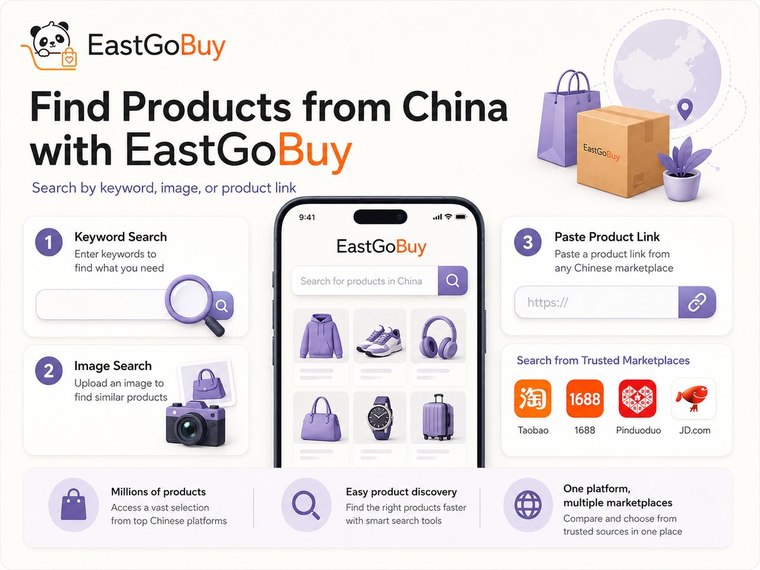
From browsing a category to finding the item on EastGoBuy
EastGoBuy’s own ordering guide shows keyword search, image search and pasting a marketplace product link. The category directory below is a separate browsing resource. After choosing an item, open its original marketplace listing, copy the product URL and confirm that EastGoBuy can retrieve the exact listing and variation.
Each card links out to a live category page, not to this site’s own listings. We keep no inventory and take no payments; the destination badge on every card tells you whether you are headed to a browsable category or to search results.
The full sixteen-category index
Fifteen of these are true category listings; the women’s wear card is the one exception, pointing at a search result instead of its own index page.
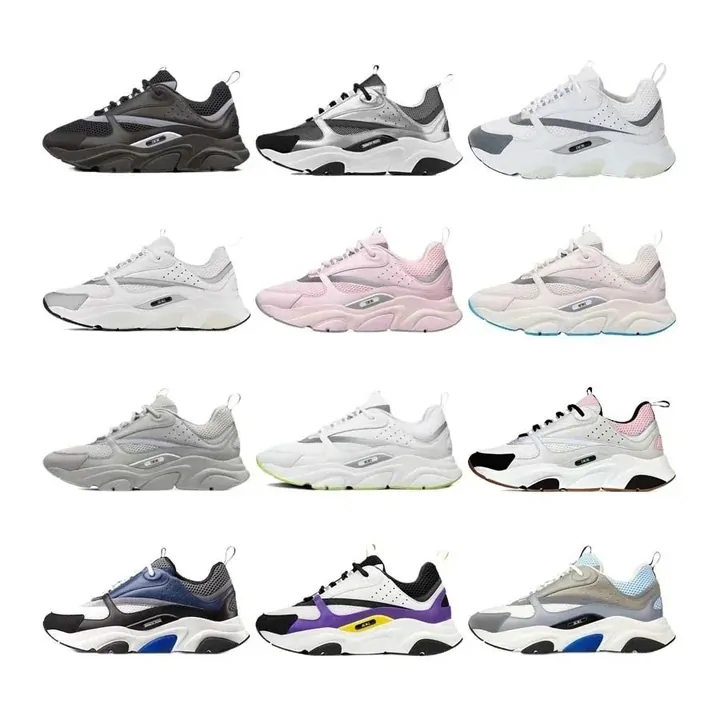 Sneakerstrainers & runnersBrowse category
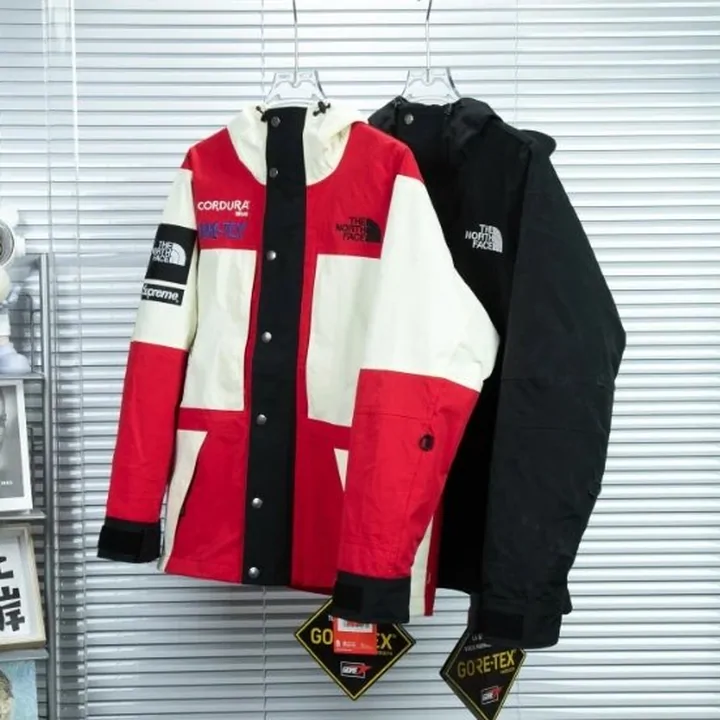 Jackets & Coatsshells, puffers, parkasBrowse category
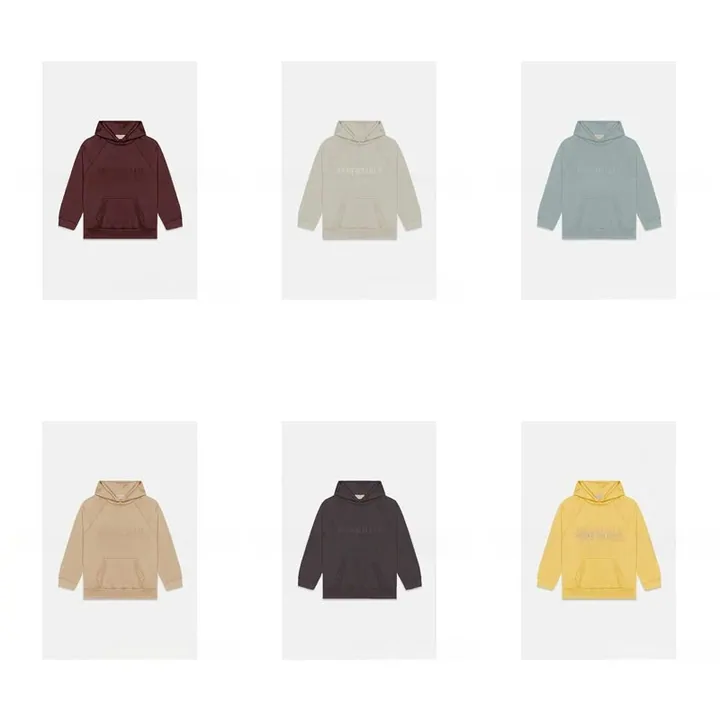 Hoodiespullover & zipBrowse category
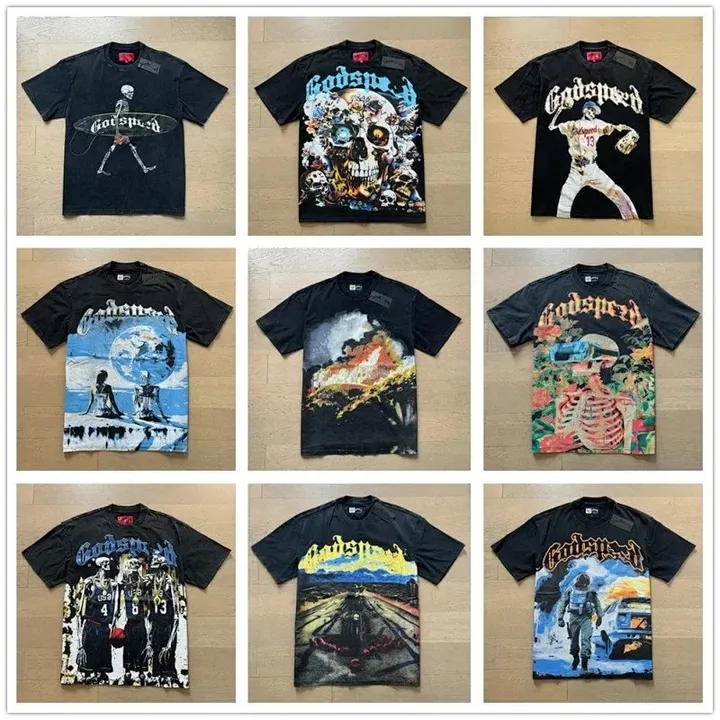 Graphic Teesprinted & plainBrowse category
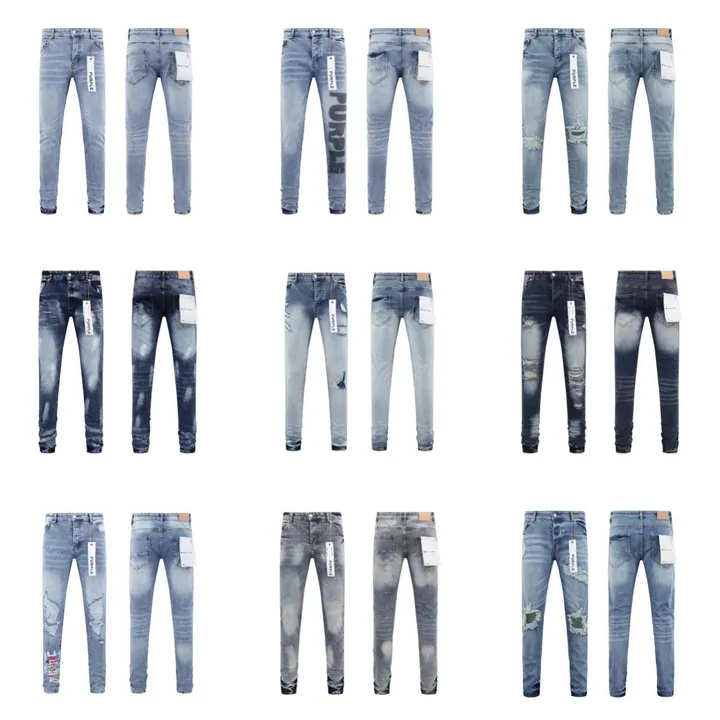 Jeansstraight, slim, distressedBrowse category
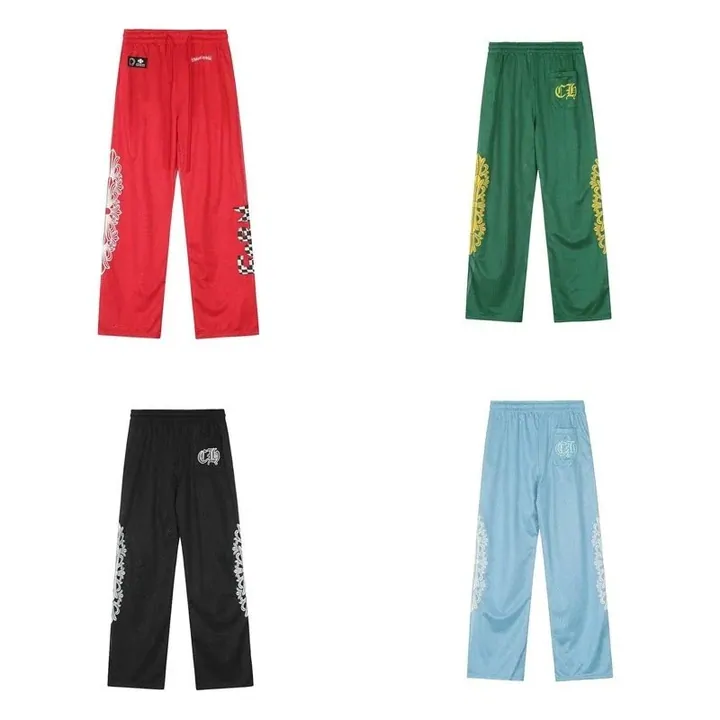 Track Pantsjoggers & sweatsBrowse category
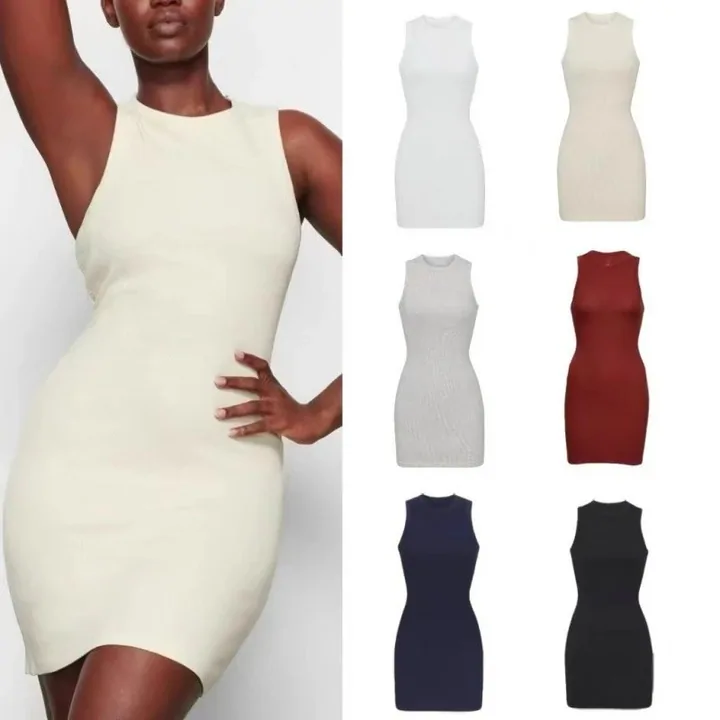 Women’s Editsearch results, not a category pageSearch results
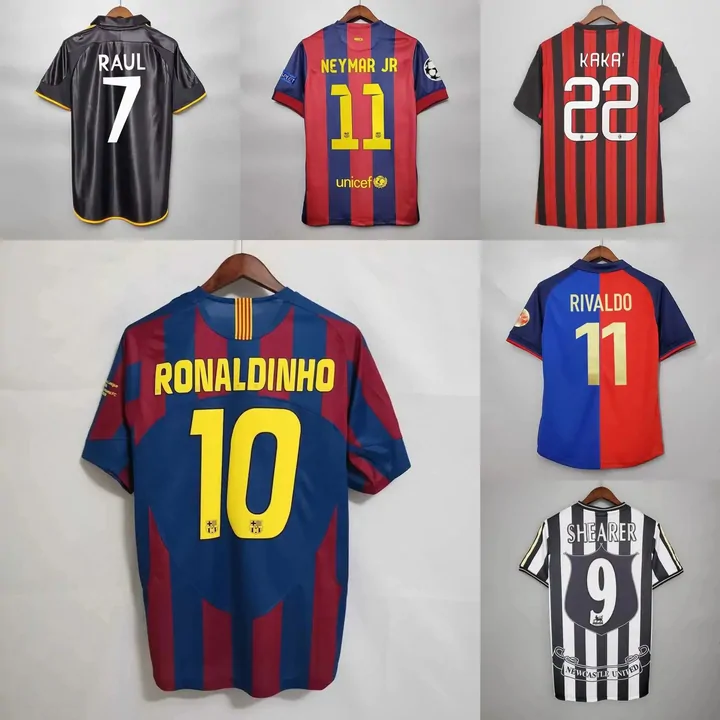 Match Jerseysclub & national kitsBrowse category
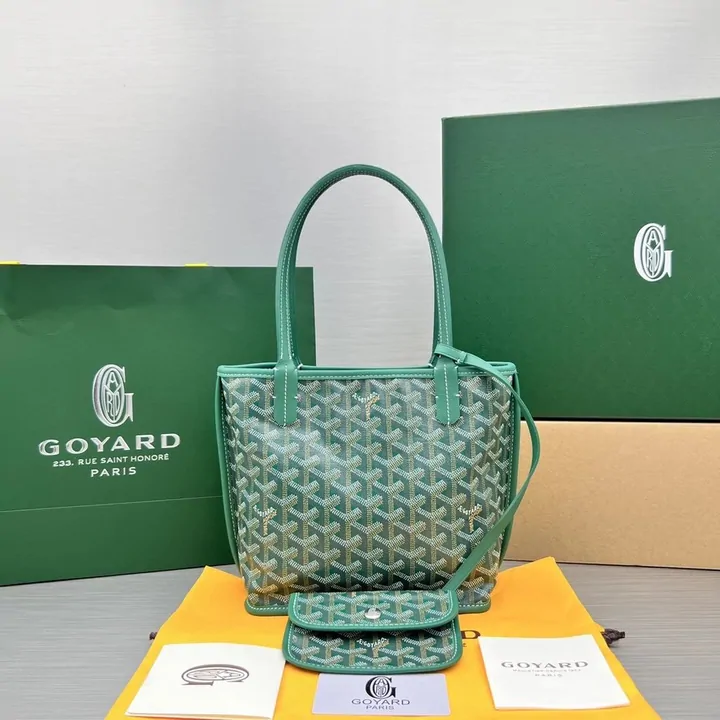 Totes & Bagstotes, crossbody, backpacksBrowse category
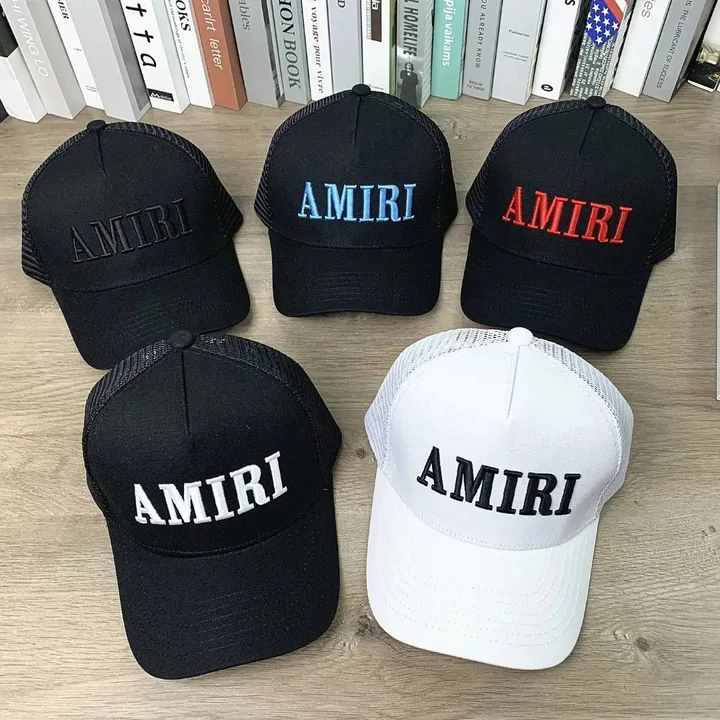 Caps & Hatstrucker, bucket, beanieBrowse category
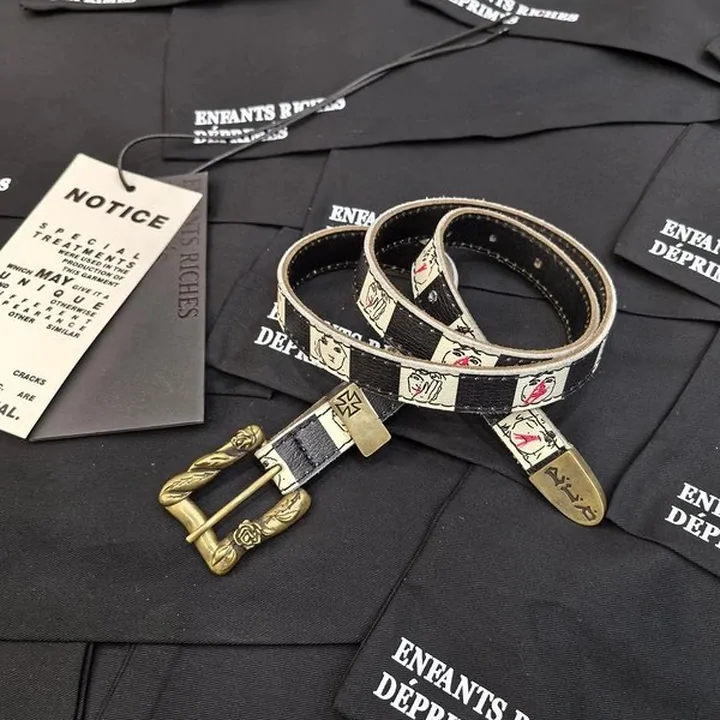 Beltsleather & canvasBrowse category
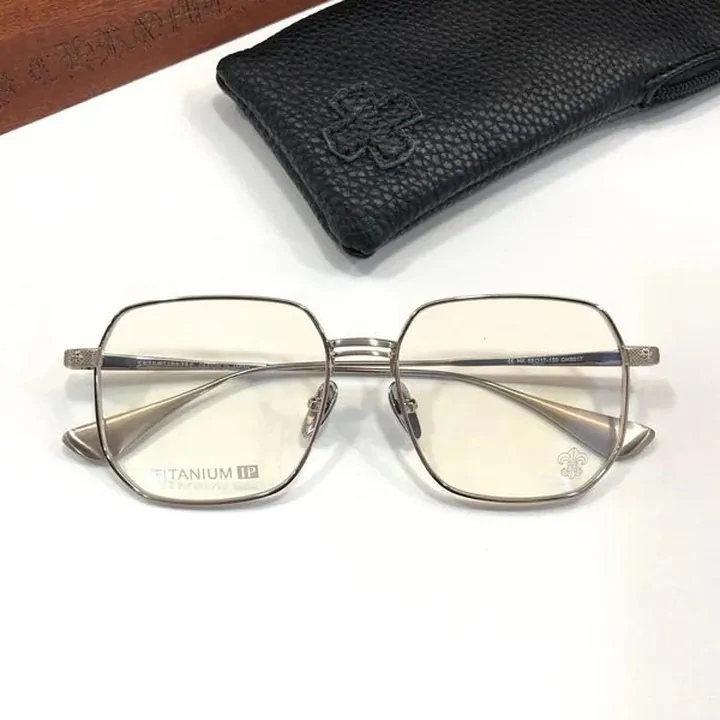 Eyewearoptical & sunBrowse category
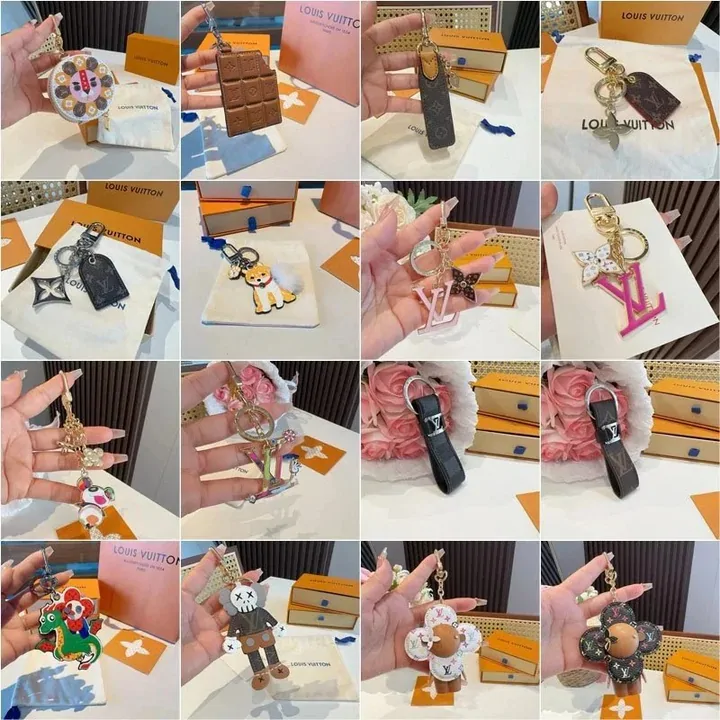 Keychains & Charmsbag charms, fobsBrowse category
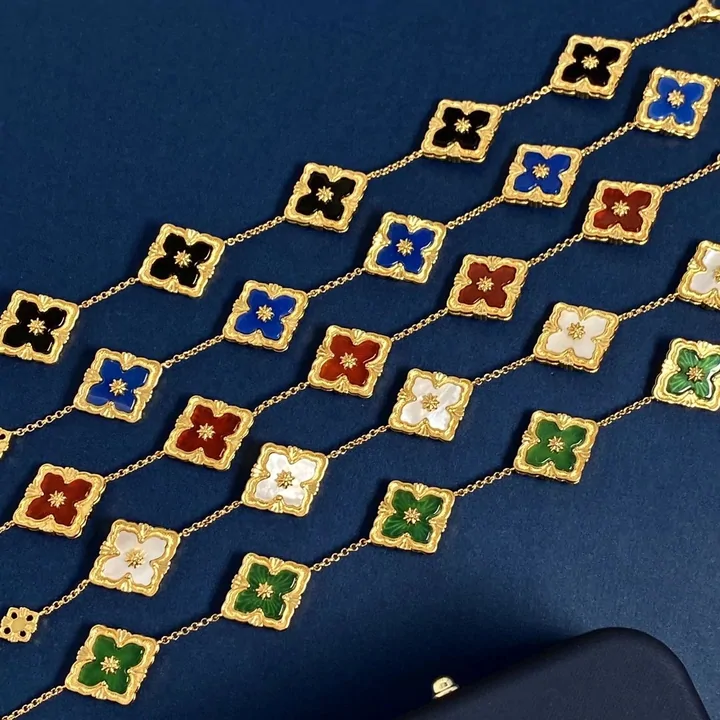 Fine Jewellerynecklaces & braceletsBrowse category
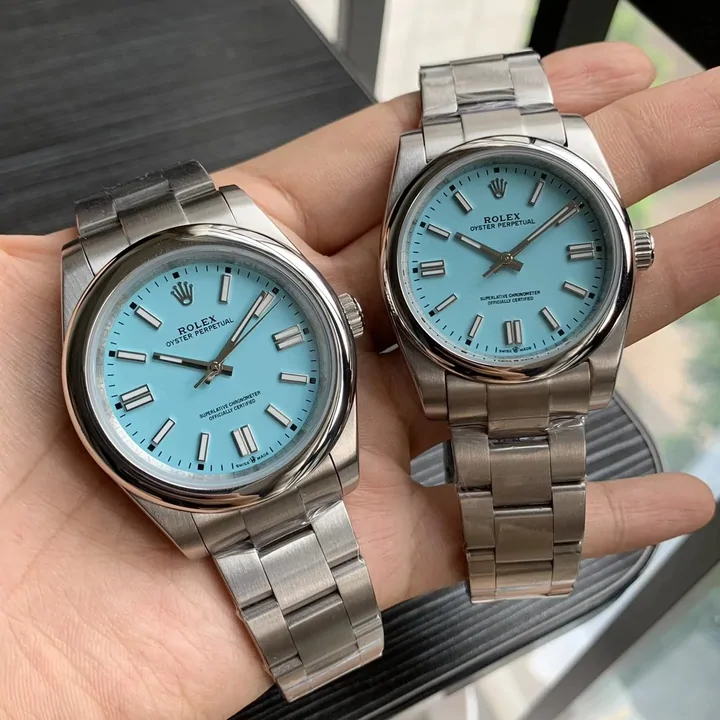 Watchesquartz & automaticBrowse category
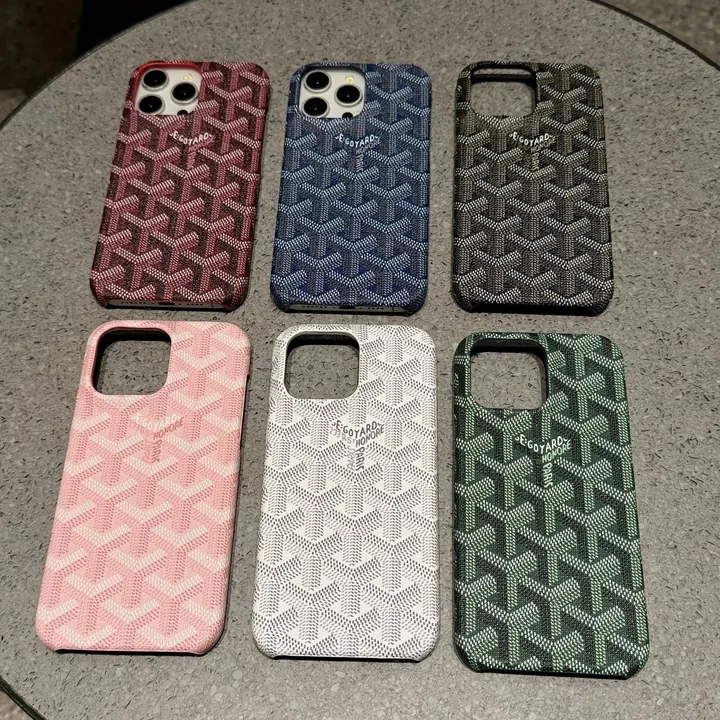 Electronicsphones, audio, gadgetsBrowse category
Why this index, and not just EastGoBuy’s own search bar
This directory groups links by item type so you can compare examples before using EastGoBuy’s search or product-link field. Sneakers, bags and watches have category pages; women’s wear opens a search result. Category availability here does not establish that EastGoBuy carries, can purchase or has stock of any specific item.
It also sits next to the rest of this site, so a card for watches is one click from the QC page that explains what “basic inspection” actually covers once a watch like that lands in EastGoBuy’s China warehouse, and a card for jackets is one click from the shipping page that explains why a padded coat can tip a parcel into volumetric-weight pricing.
Before you click through
Where a category card actually sends you
- You leave this site. Category and search cards take you to the shared product index; nothing here processes an order.
- Prices are in CNY. The index prices listings the way Chinese marketplaces price them; EastGoBuy converts to your display currency at checkout, and the exchange-rate page explains how that conversion is shown.
- Buying still goes through EastGoBuy. Finding a product on the index does not create an order by itself; you paste or search the same item inside EastGoBuy (or use the link-paste box on its product page) to actually buy it, per step 2 of the ordering guide.
How the category photos on this page are sourced
Each card shows a real listing photo pulled from the shared product index, chosen to represent the category it links to, not a specific recommendation to buy that exact item. Some photos include a visible brand mark because that reflects what is actually listed on the index for that category; we do not retouch logos out, and we do not write copy that claims any item is an authentic branded product or implies otherwise. The destination badge on every card (“Browse category” or “Search results”) always tells you which kind of page you are about to land on before you click.
Found something worth buying?
The ordering guide walks through exactly what happens between adding an item and it landing in EastGoBuy’s China warehouse.