
Guide
Ordering on EastGoBuy, matched step by step against the official walkthrough
EastGoBuy publishes a seven-step ordering guide and a 1:13 on-site video in Russian. We walk through both together, so the English write-up and the screen you will actually see line up.
Reviewed 22 Oct 2026
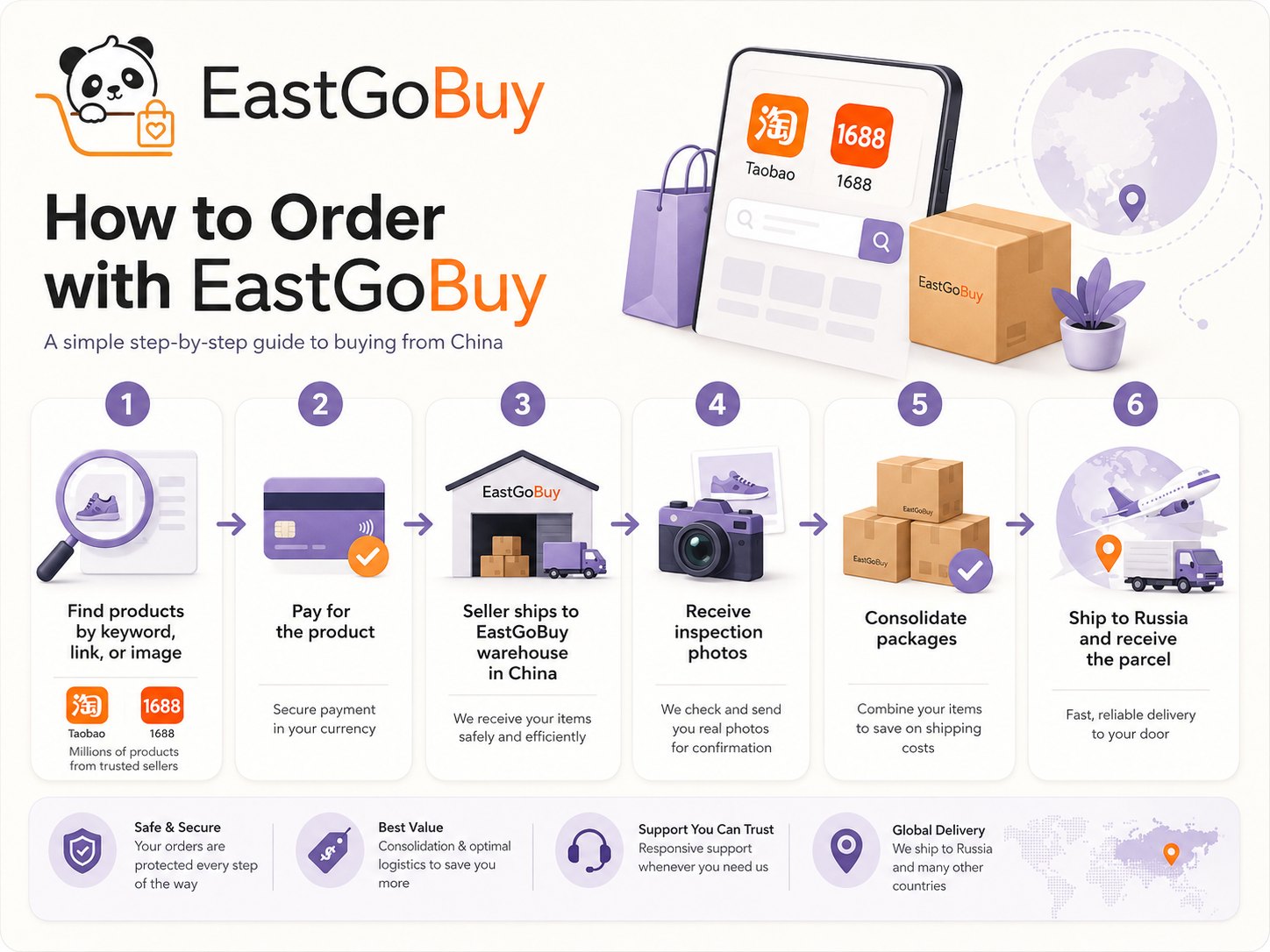

EastGoBuy’s own on-site tutorial, opened by the “HOW TO BUY?” button on its homepage. The interface is Russian, the platform’s default language; the steps below walk through the same screens in English. File captured 22 Oct 2026, 1248×720.
The seven steps, in order
Find the product. Type a keyword, drop in a photo to search by image, or hand EastGoBuy a Taobao, 1688, Pinduoduo or JD.com URL directly. Already spotted the item somewhere else before opening EastGoBuy? The link route is the quickest of the three, and it is built in, not a workaround.
Check colour, size, model and quantity, then submit. Before the order is accepted, EastGoBuy runs a quick review against destination-country customs rules and the shipping routes it currently has available. If something looks like it cannot legally travel (battery type, liquid, a restricted brand), it gets flagged or cancelled here, before you have paid for international shipping on it.
Pay stage one: product price plus domestic shipping inside China. International shipping is deliberately not charged yet, because EastGoBuy cannot know the packed weight and dimensions until the item physically reaches its warehouse.
The seller ships to EastGoBuy’s China warehouse. You never deal with a Chinese delivery address, a Chinese bank card, or the seller directly. Once the parcel is logged in, its status becomes visible in your account.
Warehouse inspection and photos. EastGoBuy checks appearance, colour, quantity and packaging, then sends real photos so you can confirm the item before it leaves China. See the QC page for exactly what this does and does not catch.
Consolidate, if you are buying more than one thing. Items from different sellers or different marketplaces can sit in the warehouse (EastGoBuy quotes up to 100 days free storage in the guide text, though other pages on its site say 90, see the conflict log) until you request they be combined into a single international parcel.
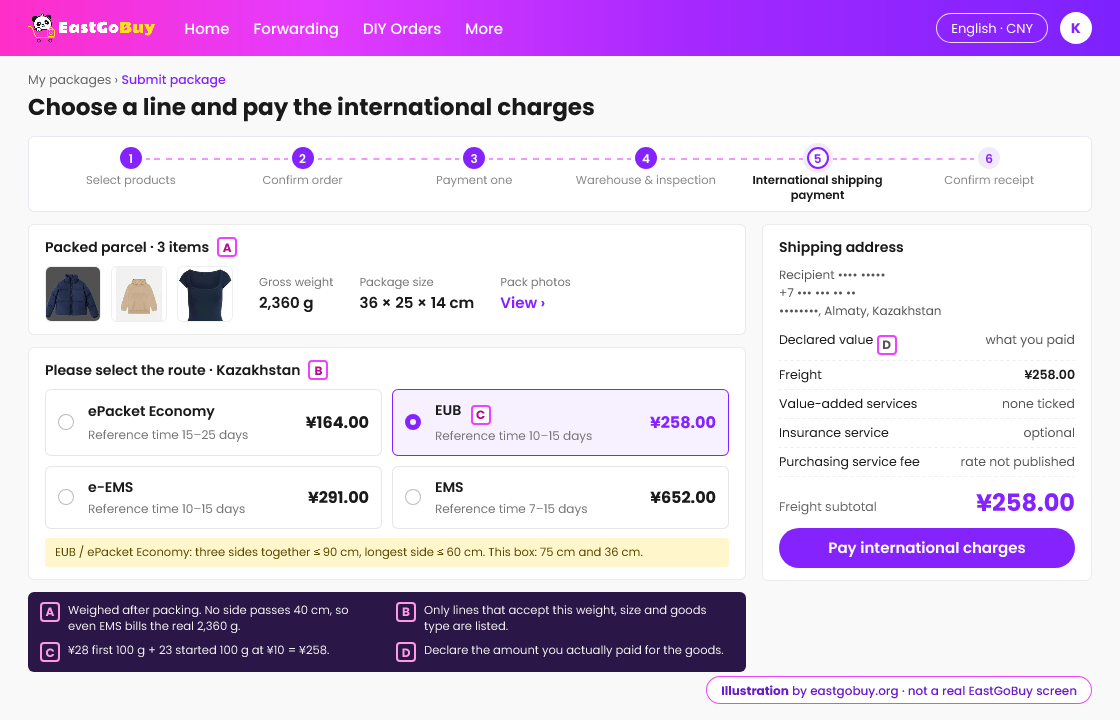
Pick a shipping line and pay stage two. Available lines depend on actual weight, dimensions, product type and destination; the shipping page lists the 35 postal lines we found in the pricing snapshot, with a checker you can run against your own parcel weight.
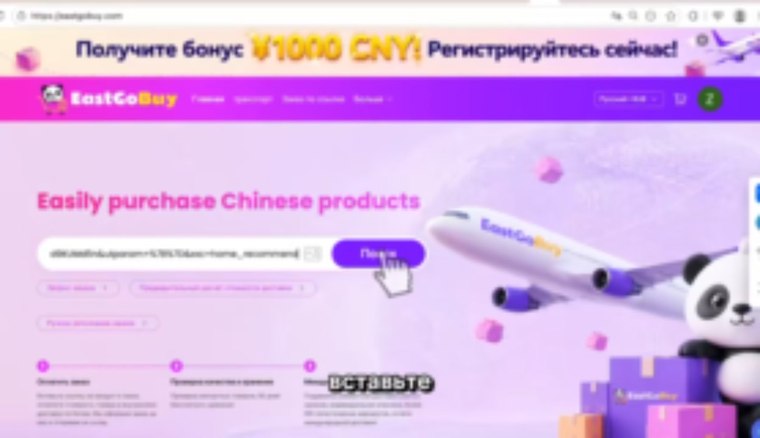
What step 1 actually looks like
The search box doubles as a link box: paste a Taobao or 1688 URL directly into the same field you would use for a keyword, and EastGoBuy parses it into a product listing rather than running it as a text search. This is the fastest route if a product was shared with you outside the platform, for example from a social post or a screenshot someone sent you.
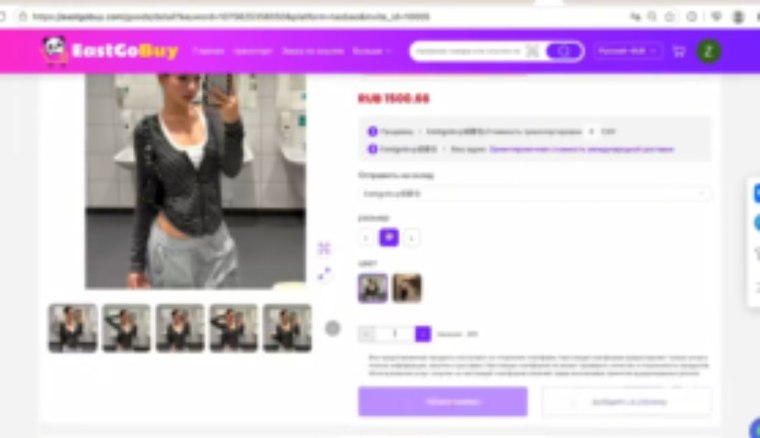
What step 2 actually looks like
Option pickers on the product page mirror whatever the original Chinese listing offered, which is why reading the seller’s own menu carefully matters more than trusting the headline photo. Quantity, size and colour selectors sit directly under the price; EastGoBuy does not translate or simplify the seller’s option names, it displays them as given.
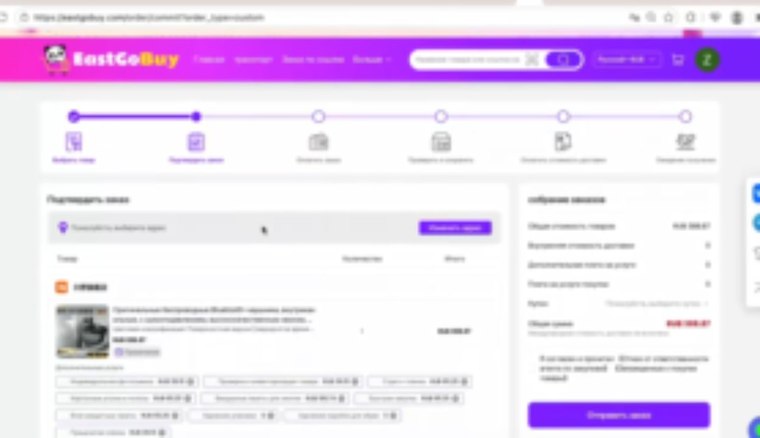
The stepper you will see after you submit
Once an order is submitted, EastGoBuy shows a six-stage progress bar at the top of the order screen: product selection, order confirmation, payment, warehousing and inspection, international shipping payment, and final confirmation. It stays visible on every order-related page, which is the quickest way to tell which of the two payment stages (see the fee breakdown) you are currently on.
Ready to try step one?
Registration takes about as long as reading this sentence twice. Keep a product link or two ready to paste in.